0

wpDataTables - Tables and Charts Manager for WordPress

On Sale

wpDataTables is a powerful WordPress plugin for creating responsive tables, spreadsheets, and charts.

If you have any questions about pricing or your support period, feel free to get in touch with us. We’ll be happy to provide more details, help you explore available options, and share any current offers.

wpDataTables - Tables and Charts Manager for WordPress Documentation, examples and Videos on wpDataTables Tables and Charts Plugin wpDataTables Free Demo Site wpDataTables Video Intro wpDataTables Highlighted Features wpDataTables is a #1 Tables And Charts Plugin for WordPress Report Builder is a Word DOCX and Excel XLSX generator for WordPress Tons of features in wpDataTables wpDataTables is recommended by top WordPress websites wpDataTables has 99% Customer Satisfaction

If you’d like to join our testers team, just reach out to us here and we’ll add you to the list. You’ll get early access to new features. Please note that this is available only to existing wpDataTables users.

Featured articles about wpDataTables

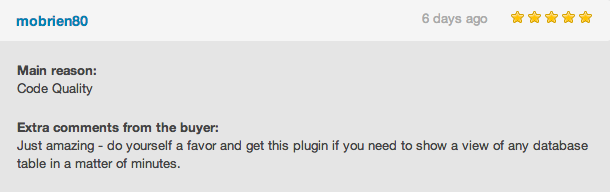
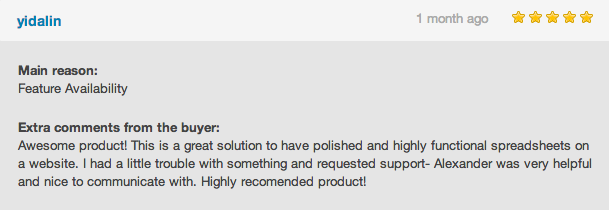
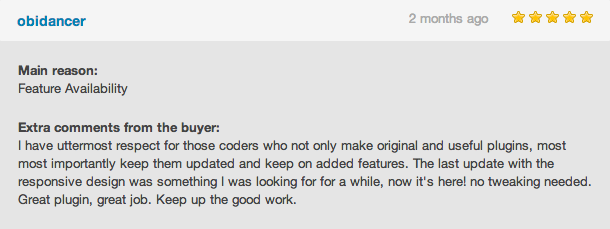
User reviews

Review 1
Review 2
Review 3
Review 4
Review 5

Follow wpDataTables

Follow us on X
Instagram
Facebook
YouTube

Support

If you need help, we recommend checking our FAQ and documentation first. If you don’t find what you’re looking for, you can contact our support team through the contact page. We’re handling a high number of requests, so we appreciate your patience if replies take a bit longer.

Manual upgrade procedure (when a new version is released)

  1. Go to your FTP and open the WordPress plugins folder.
  2. Delete the old wpDataTables version folder.
  3. Upload the new version of wpDataTables.
  4. Go to the WP Admin panel and open the Plugins section.
  5. Deactivate wpDataTables, then activate it again.

Note: Do not delete the plugin from WP Admin if you want to keep your existing tables.

Minimum PHP version required

wpDataTables requires PHP version 7.4 or higher.

Changelog

We continuously improve wpDataTables with new features, enhancements, and bug fixes. View the changelog to see the full release history and latest updates.

Tutorials

Overview

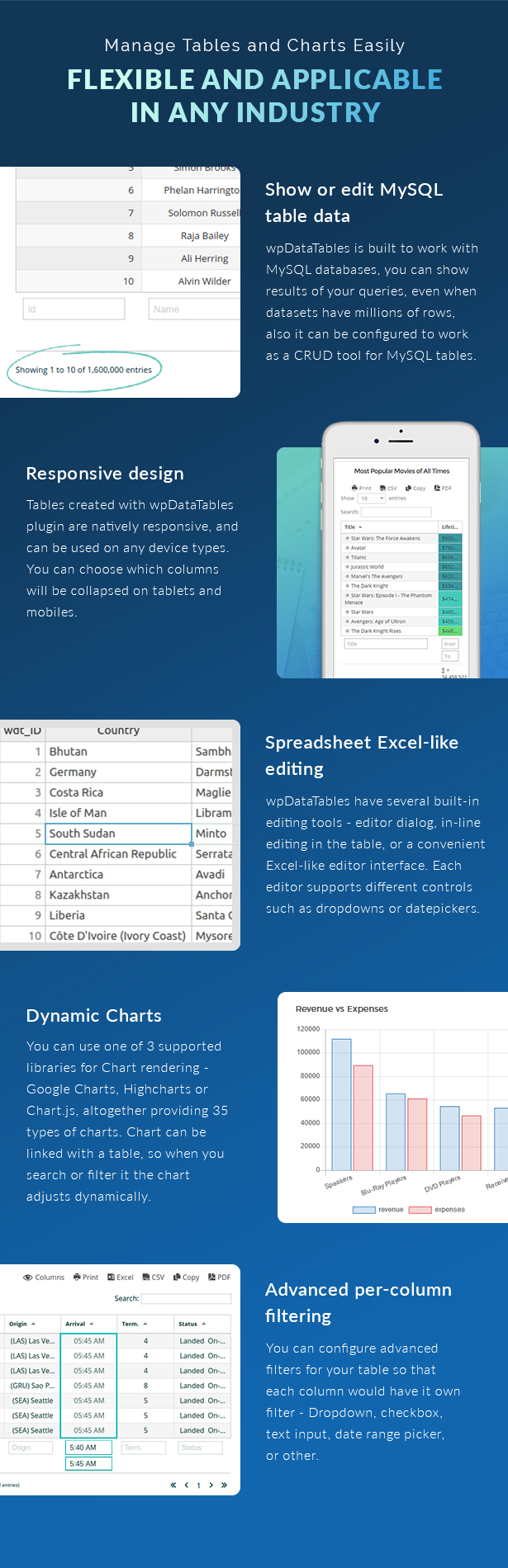
wpDataTables helps you create responsive tables and charts for your WordPress site. You can build dynamic tables, display them anywhere on your website, and allow users to edit data directly from the front end.

Explore all available features in the features overview.

Features

A short overview of what wpDataTables can do:

  • Interactive front-end tables with filtering, sorting, and pagination powered by the DataTables library
  • Server-side processing for MySQL-based tables
  • Charts powered by Google Charts and Highcharts, synced with your table data
  • Front-end editing for MySQL-based tables
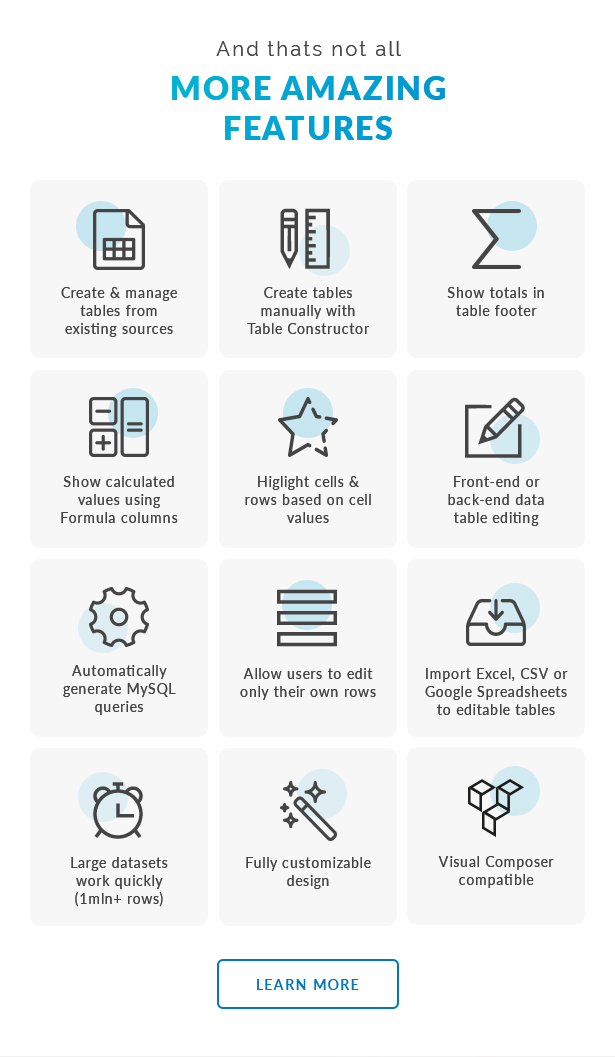
  • Table constructor for building tables from the back end
  • MySQL query generator to build queries without coding
  • WordPress DB query generator
  • Create editable tables from Excel or CSV files
  • Fully responsive tables
  • Export options including PDF, CSV, Excel, and clipboard copy
  • Row grouping for better data organization
  • Multiple data sources including Google Sheets, MySQL, Excel, CSV, JSON, and XML
  • Customizable column types including text, numbers, links, dates, and images

Documentation and examples

Browse the documentation to learn how wpDataTables works and explore different use cases. If you’d like to see it in action and try it yourself, visit our demo site.

0 Reviews Found

No reviews to display yet

No comments to display yet

Price

Quality checked by TemplateLelo

Future updates

21500 Sales
image
envatoaffiliate

by codecanyon
  • Since 03/01/2024
  • Products 4156
Last Update

19 Jun, 2026

First Release

19 Jun, 2026

Solution Type
Website Script
High Resolution

Yes

Compatible Browsers
Gutenberg Optimized

Yes

Widget Ready

Yes

Files Included

PHP Files , JavaScript JSON , Javascript JS

Columns

1

Layout

Fixed

Compatible Technologies

N/A

Requires Premium Plugins

N/A

More products by envatoaffiliate