
envatoaffiliate
by codecanyon
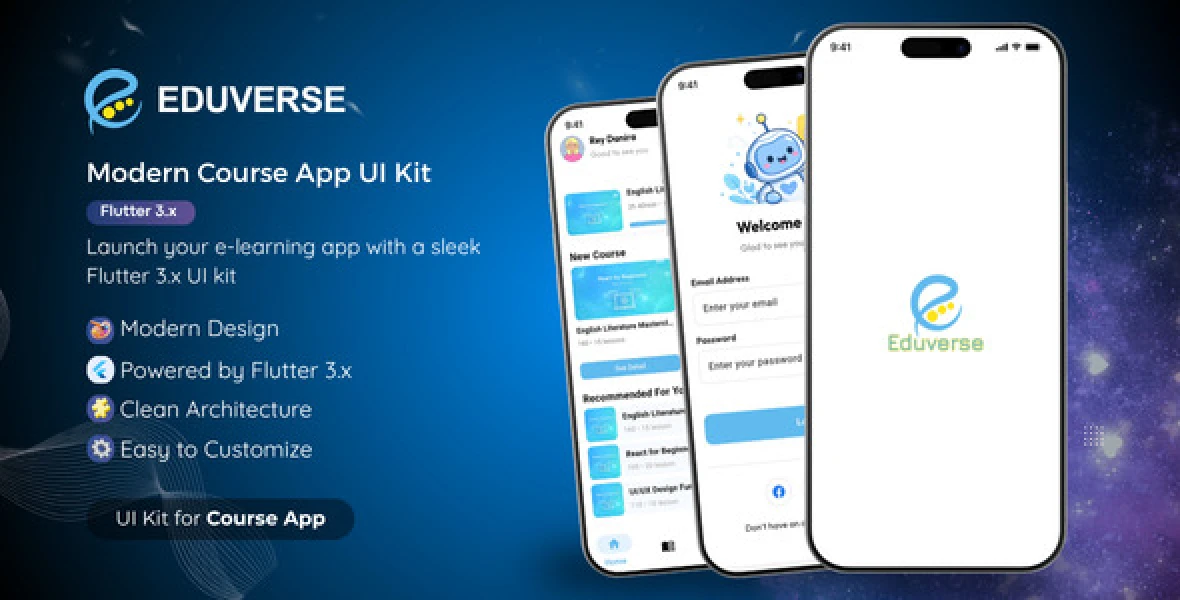
EduVerse is a modern and clean Flutter UI Kit designed for building online course or e-learning mobile applications. It provides a structured and reusable UI system to help developers accelerate their development process.
- Modern and clean UI design - Reusable UI components - Smooth animations and transitions - Shimmer loading placeholders - Responsive layout
- Splash Screen - Onboarding Screen - Login & Register - Home Screen - Course List & Course Detail - Mentor List & Mentor Profile - Wishlist Screen - Certificates Screen - Profile Screen
- Flutter SDK 3.x - Dart SDK 3.x - Android Studio or Visual Studio Code
1. Download the project files 2. Extract the ZIP file 3. Open the project in VS Code or Android Studio
``` flutter pub get ```
``` flutter pub run flutter_native_splash:create ```
``` flutter run ```
Note: The splash screen is generated using flutter_native_splash. Make sure to run the command before launching the app.
Replace the image file at:
assets/app_launcher.png
Then run:
``` flutter pub run flutter_launcher_icons ```
This step is optional and only required if you want to customize the app icon.
- lib/ — Main source code - assets/ — Images and resources - android/ — Android configuration - ios/ — iOS configuration
- google_fonts → Custom typography - flutter_animate → Animations - shimmer → Loading placeholders - go_router → Navigation - flutter_native_splash → Splash screen generator - flutter_launcher_icons → App icon generator
You can easily customize the UI:
- Edit colors in lib/constants/colors.dart - Replace images in the assets/ folder (onboarding, mentors, logos, etc.) - Modify UI components inside the lib/ folder
Edit:
android/app/src/main/AndroidManifest.xml
Change:
android:label=”Eduverse”
Edit:
ios/Runner/Info.plist
Update:
CFBundleName
Example:
com.yourcompany.appname
Update applicationId in: android/app/build.gradle
Change Bundle Identifier via Xcode
- flutter pub get failed: Run `flutter clean` and try again - iOS setup (optional): If building for iOS, run `cd ios && pod install` - Build failed: Ensure your Flutter SDK version matches the project requirements
- Add new screens inside the `lib/` folder - Navigation is handled using `go_router` - Customize theme inside `lib/constants/colors.dart`
- This is a UI Kit only (no backend included) - The project is structured to make customization simple and developer-friendly.
If you need any help, feel free to contact.

by codecanyon


