0

Cool Timeline Pro - Horizontal & Vertical Timeline Plugin For WordPress

On Sale

Cool Timeline Pro - Horizontal & Vertical Timeline Plugin For WordPress - 1Cool Timeline Pro - Horizontal & Vertical Timeline Plugin For WordPress - 2Cool Timeline Pro - Horizontal & Vertical Timeline Plugin For WordPress - 3Cool Timeline Pro - Horizontal & Vertical Timeline Plugin For WordPress - 4

Cool Timeline Pro - Horizontal & Vertical Timeline Plugin For WordPress - 5Cool Timeline Pro - Horizontal & Vertical Timeline Plugin For WordPress - 6

WordPress Timeline Plugin

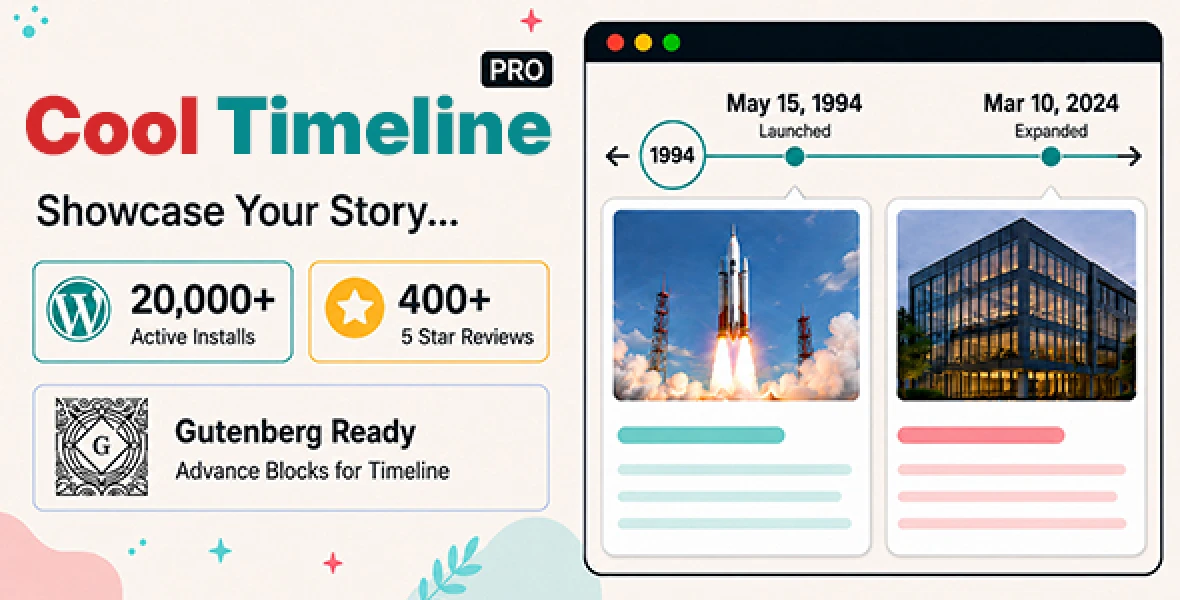
Cool Timeline Pro is a popular WordPress timeline plugin with 20,000+ active installs and 250+ five-star reviews on the WordPress.org plugin directory.

It helps you create vertical and horizontal timelines on your WordPress website. You can use it to display your company’s history timeline, product roadmaps, personal stories, or key events.

Cool Timeline Pro Use case

Using Cool Timeline Pro, you can create timelines in two ways:

  1. Timeline Shortcode: Cool Timeline Pro allows you to display timelines anywhere on your WordPress website using a simple shortcode. You can insert the timeline shortcode inside the Classic Editor, Block Editor, Elementor, Divi, widgets, sidebars, or any area that supports shortcodes.

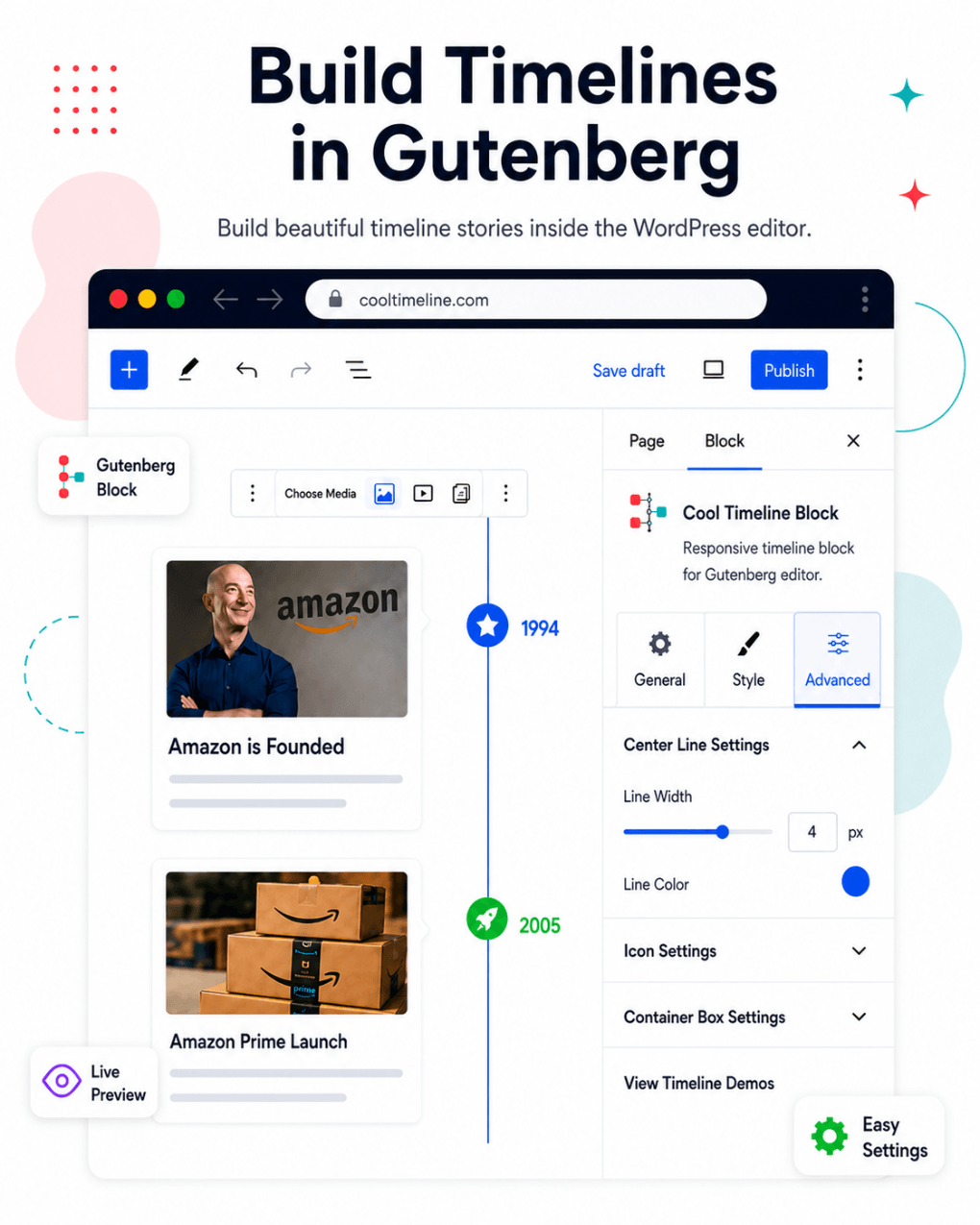
  2. Timeline Block: If you prefer visual editing, you can use the dedicated Timeline Block inside the Gutenberg editor. The block allows you to add, preview, and adjust timeline layouts directly inside the WordPress editor without manually handling shortcode attributes.

Cool Timeline Demos:

Vertical Timeline            Horizontal Timeline            One-sided Timeline
 
Compact Timeline            Post Timeline            View All Demos

Key Features of Timeline Plugin

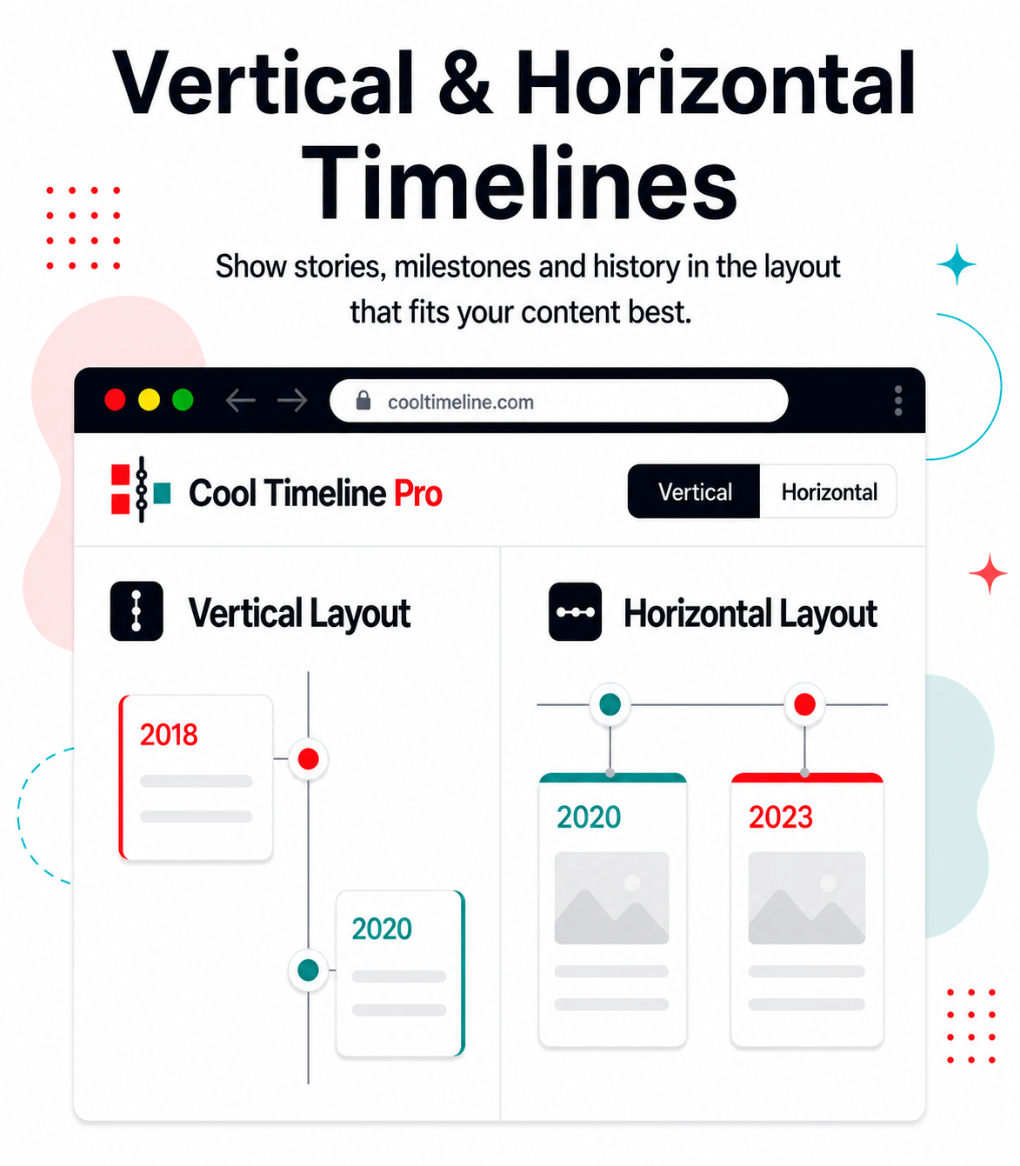
Vertical or Horizontal Timeline Layouts: Create beautiful vertical and horizontal timelines in WordPress to present your story, company history, project roadmap, milestones, events, product journey or step-by-step process in a clear chronological layout.

Cool Timeline Pro layouts

Gutenberg Block Support: Create and display timelines directly inside the WordPress Block Editor. This WordPress timeline plugin includes a dedicated Gutenberg block, so you can add a timeline to any page or post, choose the layout, adjust the settings and preview the timeline.

Timeline Block

Timeline Shortcode: Add timelines to pages, posts, landing pages, widget areas, sidebars or custom sections using a shortcode. Create stories, select the layout, category, number of stories, order, date format and other options, then copy the shortcode and use it anywhere.

Ajax Load More and Pagination: Manage a large timeline with Ajax Load More and pagination. Let visitors load more stories when they want to continue browsing.

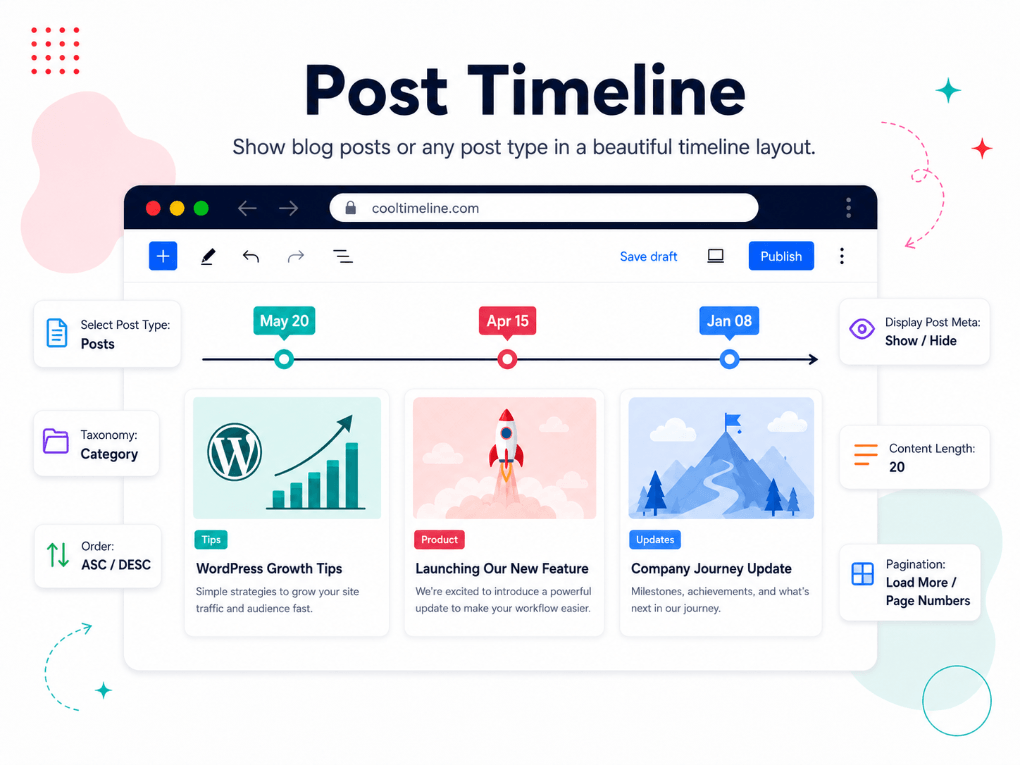
Blog Post Timeline: Cool Timeline Pro can automatically use your existing posts and organize them in a vertical or horizontal timeline. It is useful for news updates, product releases, company announcements, project milestones, event stories or changelog-style content in chronological order.

Post Timeline

Multiple Timelines: Organize timeline stories into categories and create multiple timelines on the same WordPress website.

Category-Based Timeline: Show only selected timeline categories on specific pages and display separate timelines for different services, departments, products, events or case studies.

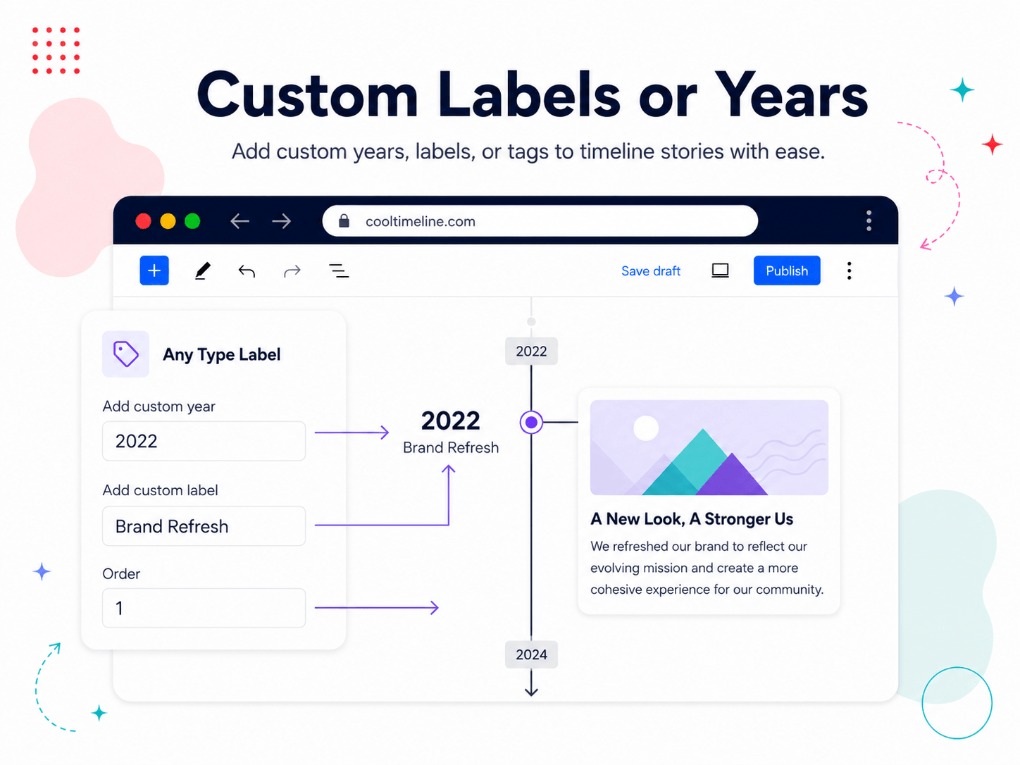
Custom Timeline Stories: Use custom labels instead of regular dates. You can add labels like Step 1, Phase 2, Planning, Development, Launch, AD, BC or any custom text.

Custom timeline labels

Custom Colors and Fonts: Customize timeline titles, descriptions, dates, buttons and other design elements from a user-friendly settings panel. You can adjust fonts, colors and styles to match your WordPress theme and brand design.

Custom Timeline Icons: Replace default timeline dots with icons, custom images or text.

Multimedia Support: Add media to your timeline stories. You can use images, videos or slideshows to represent your story visually.

Timeline multimedia support

Date Formats: Choose how timeline dates should appear on your website. This helps you keep the event display consistent across your website.

Timeline Stories Order: Adjust the order of your timeline stories. Show the oldest item first for company history or show the latest item first for changelogs, news updates and product release timelines.

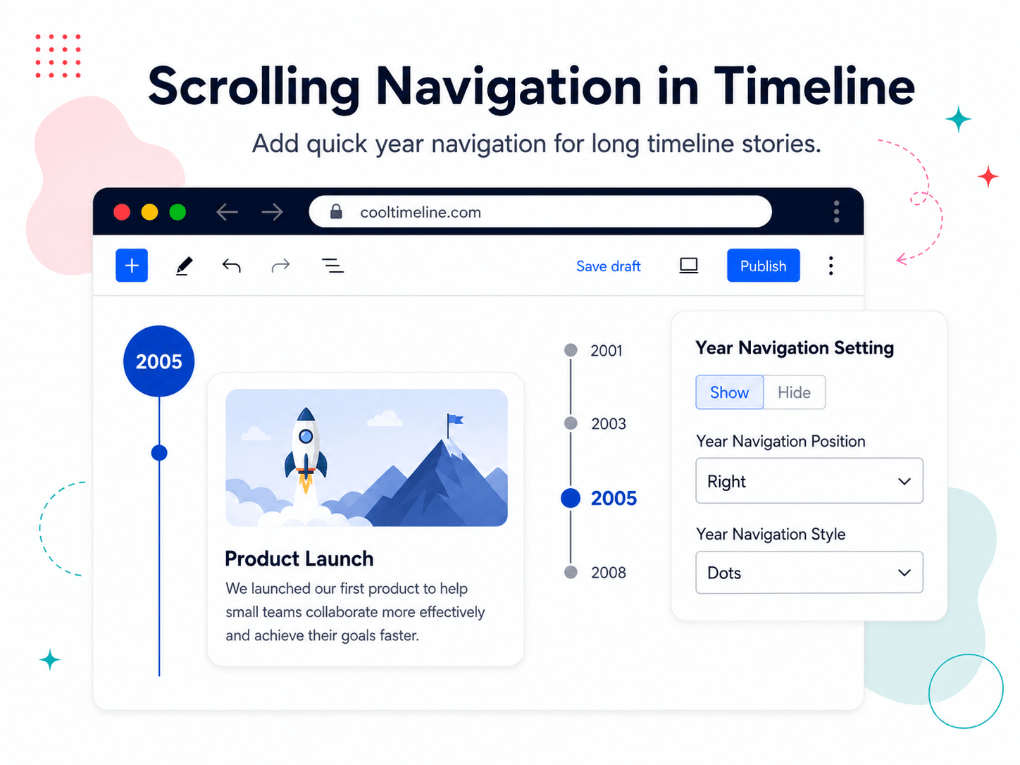
Small Scrolling Navigation: Add a small scrolling navigation bar to your timeline so visitors can quickly jump between different timeline stories, dates, milestones or events in large timelines.

Cool Timeline Pro scrolling navigation

Read More Link Support: Add Read More buttons inside timeline stories. This helps you send visitors to full articles, product pages, case studies, event pages or other important content.

Works with Popular Editors and Builders: Cool Timeline Pro works with Gutenberg, Classic Editor, Elementor, Divi, WPBakery and other builders that support shortcodes.

Mobile-Friendly Timeline Layouts: Timelines are fully responsive, so they look good on desktop, tablet and mobile screens. Also Cool Timeline Pro works with popular browsers including Chrome, Firefox, Safari and Microsoft Edge, so your timeline display remains consistent for different visitors.

Where can you use the Cool Timeline?

Company History Timeline            Holiday Package Timeline            Product Roadmap
 
Event Planning Timeline            Team Showcase Timeline            Features Timeline
 
Personal Journey Timeline            BC / AD Timeline            Portfolio Timeline

More Timeline Plugins

  • Timeline Widget for Elementor: Want to create timelines directly inside Elementor? Timeline Widget for Elementor is the best timeline plugin that provides dedicated Elementor timeline widgets that let you design vertical and horizontal timelines inside the Elementor editor.
    So, if you are looking for an Elementor timeline widget, a WordPress timeline widget for Elementor, or a simple way to create company history, product roadmap, milestones, or story timelines in Elementor, this plugin gives you easy widget controls without using shortcodes.

  • Timeline Block Pro: Timeline Block Pro is built for users who prefer creating timelines inside the WordPress Block Editor. It gives you dedicated Gutenberg timeline blocks to design vertical and horizontal timelines directly inside Gutenberg pages and posts.
    So, if you are looking for a Gutenberg timeline plugin, a WordPress timeline block plugin, or a block-based way to create timelines without a page builder, Timeline Block Pro makes it easy to build and customize timeline sections inside the native WordPress editor.

  • Timeline Module for Divi: Timeline Module for Divi allows Divi users to create timelines directly inside the Divi Builder. It includes dedicated Divi timeline modules, layout controls, and design settings for displaying company history, roadmaps, milestones, and story timelines.
    So, if you are looking for a Divi timeline module, a timeline plugin for Divi, or a simple way to add vertical and horizontal timelines inside Divi pages, this addon helps you create timeline sections without custom coding.

Other Plugins by Cool Plugins

Cool Plugins develops a range of WordPress plugins designed to extend popular tools and simplify website functionality without complex configuration. These plugins are used by website owners, developers, and agencies to add new features, automate tasks, and improve the overall user experience of WordPress websites.

  • Events Calendar Addons: Display events from The Events Calendar plugin in beautiful layouts like grid, list, carousel, slider and more. These addons help you showcase upcoming events, past events, featured events and category-based events anywhere on your WordPress website using shortcodes, widgets or page builder modules.

  • TranslateXYZ: TranslateXYZ brings together AI-powered WordPress translation addons, including AutoPoly for Polylang, AutoTP for TranslatePress, AutoMLP for WPML, and LocoAI for Loco Translate. , allowing users to automatically translate website content, multilingual pages, WooCommerce stores, plugin strings, and theme files directly within their existing WordPress translation workflows.

  • Cool FormKit: Extend Elementor forms with advanced features such as additional input fields, conditional logic, calculations, multi-step forms, and enhanced form styling options. This plugin helps Elementor users create more dynamic and functional forms without needing custom scripts or complex form builders.

  • Linguator – Multilingual AI Translation: Linguator is a powerful multilingual plugin that helps you create and manage multilingual content on your WordPress website. Easily translate your posts, pages, menus, and categories into different languages using AI and connect with visitors worldwide.

0 Reviews Found

No reviews to display yet

No comments to display yet

Price

Quality checked by TemplateLelo

Future updates

14332 Sales
image
envatoaffiliate

by codecanyon
  • Since 03/01/2024
  • Products 4164
Last Update

18 Jun, 2026

First Release

18 Jun, 2026

Solution Type
Website Script
High Resolution

Yes

Compatible Browsers
Gutenberg Optimized

Yes

Widget Ready

Yes

Compatible With

Block Editor , Elementor , Elementor Pro , Visual Composer , WPML

Wordpress Version

WordPress 4.9.x , WordPress 5.0.x , WordPress 5.1.x , WordPress 5.2.x , WordPress 5.3.x , WordPress 5.4.x , WordPress 5.5.x , WordPress 5.6.x , WordPress 5.7.x , WordPress 5.8.x , WordPress 5.9.x , WordPress 6.0.x , WordPress 6.1.x , WordPress 6.2.x , WordPress 6.3.x , WordPress 6.4.x , WordPress 6.5.x , WordPress 6.6.x , WordPress 6.7.x , WordPress 6.8.x , WordPress 6.9.x , WordPress 7.0.x

Files Included

PHP Files , HTML Files , CSS Files , Javascript JS

Columns

1

Layout

Fixed

Compatible Technologies

N/A

Requires Premium Plugins

N/A

More products by envatoaffiliate